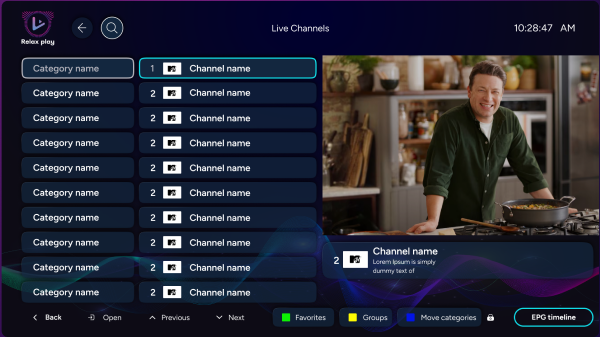

1. Download the Relax Play app from the TV App Store
2. Open the app and send us a screenshot of the app containing the MAC address and device ID.

Option 1 (directly)
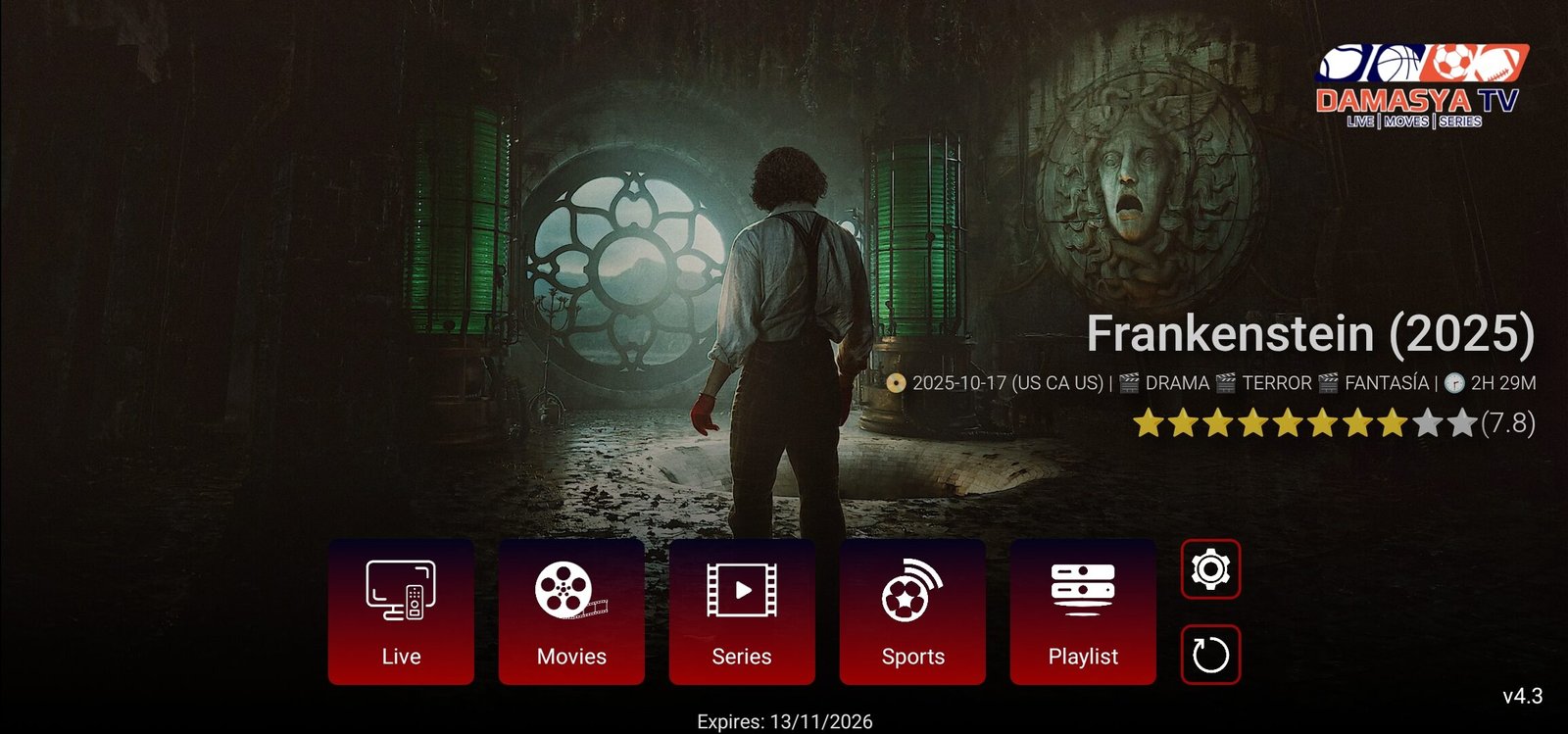
1. Download Damasya Player app directly from here
2. Open the app and send us a screenshot of the app containing the MAC address and device ID.
Option 2 (Downloader app)
1. Download Downloader app from Google Play or Amazon Store.
2. Open the app and search for 4967748 in the search bar at the top to download the Damasya Player.
3. Open Damasya Player and send us a screenshot of the app containing the MAC address and device ID.

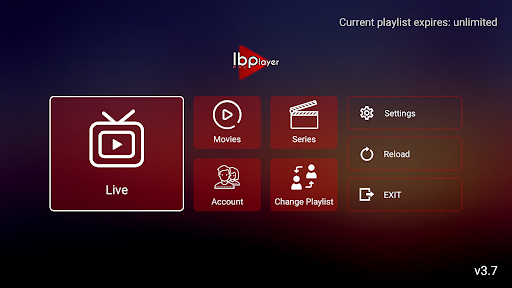
1. Download IBO Pro Player directly from here.
2. Open the app and send us a screenshot of the app containing the MAC address and device ID.